Create Visual Basic Form Interesting and Unique

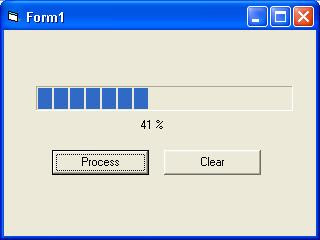
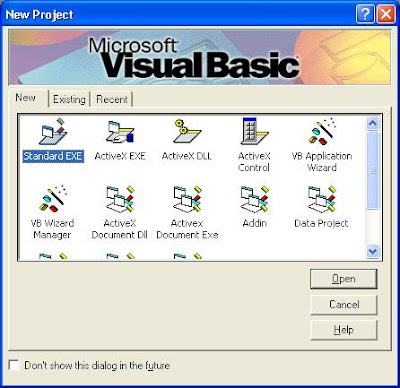
Are you boring of your Visual Basic Form appearance ? I have tried to change skin of Visual Basic Form. I use Active Skin software to change Visual Basic Form like above. 1. First you download Active Skin and get patch of this software and install it. 2. Open Microsoft Visual Basic 6 and create a form with a command button. 3. Add Active Skin component by press "Ctrl + T". On the Components window you click browse and find actskin4.ocx file in "C:\Windows\system32" and then open it. Click Apply on Components window and close that window. Active Skin component will be added onto Toolbox. Click skin and apply it on your form. 4. Click View Code on Project Explorer type code below or you can download this project . '------------------------- Option Explicit Private Declare Function GetOpenFileName Lib "comdlg32.dll" Alias "GetOpenFileNameA" (pOpenfilename As OpenFilename) As Long Private Type OpenFilename lStructSize As Long hwndOwner As Lo...